What “taking control” means
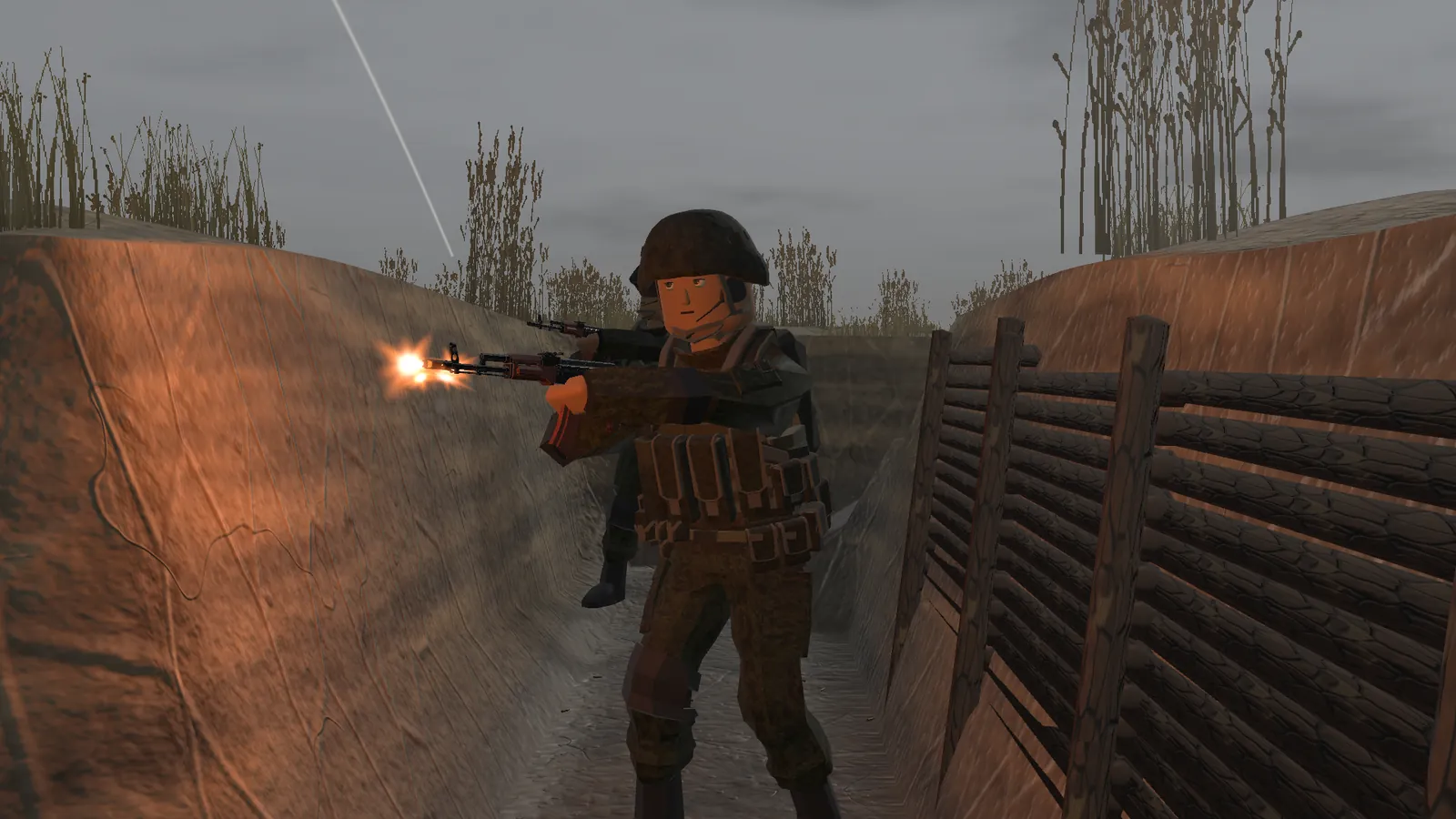
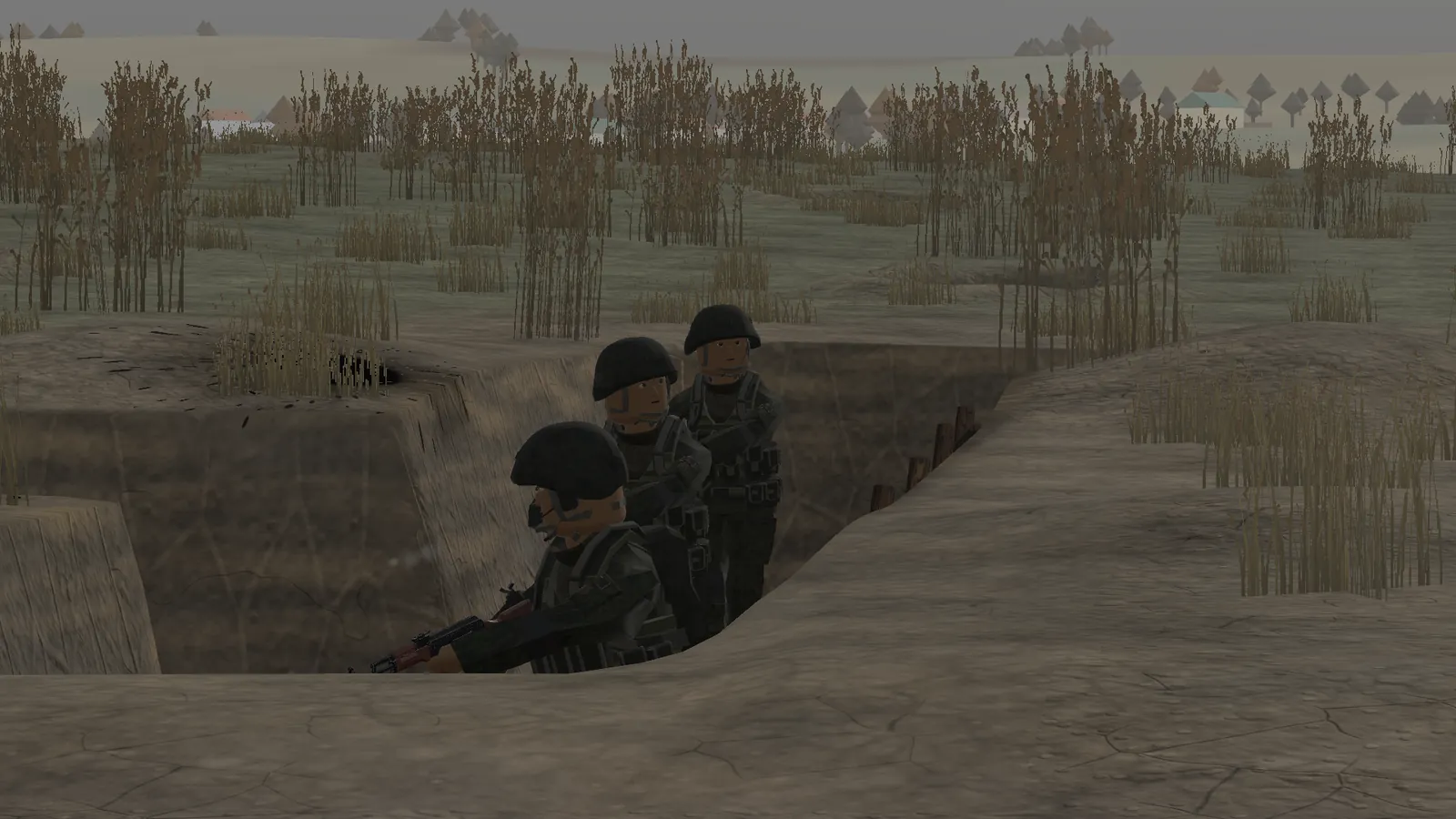
This is not an RTS camera that moves units around. You step into one soldier and fight from their eyes. If that soldier was an RPG gunner, you have the RPG; if they were bleeding, you are bleeding. When you step out, the AI takes over again. That is what makes the sandbox interesting: you choose the moment and the body that matter.
Step by step
- Set up the fight and start it with every soldier under AI control.
- Watch until you can see where the front is and who is in a useful position.
- Take control of that soldier using the prompt the game shows (the key has not been published).
- Fight with the same rules as the AI: cover matters, hits knock you off balance, wounds need treatment.
- Hand the soldier back or switch to another one when the situation changes.
Keys that work once you are in control
| Key | What it does | Status |
|---|---|---|
| Q | Command wheel — order nearby AI to attack, defend, follow you, hold or resupply | official · 1 source |
| E | Interact: treat, resupply, enter vehicles | official · 1 source |
| H | Drag a casualty | official · 1 source |
| X | Drone camera (FPV operator) | official · 1 source |
| 3 / R | RPG equip / reload (RPG gunner) | official · 1 source |
| 4 5 6 | Bandage / painkillers / call medic | official · 1 source |
| W | Move forward | community · 1 report |
| G | Grenade | community · 1 report |
| Lean | Exists, but must be bound in Settings | community · 1 report |
What is still undocumented
The developer has not published the take-over key, the key to switch back to spectating, or default bindings for crouch, prone and lean. Players report that lean exists but has to be assigned in Settings. Until a full key map appears, the in-game prompts and the Settings → Controls screen are the reliable reference.
Practical tips
- Take over the medic when a squad is pinned — one well-timed drag-and-treat saves more soldiers than an extra rifle.
- Take over the FPV operator on Dead Ground and press X; three drones can break an armoured push.
- Use Q to have nearby soldiers follow you before you move; alone, a ragdoll dies fast.
- Never stand behind your own RPG gunner.
Questions
What key takes control of a soldier in DummyWar?
The developer has not published it. Use the on-screen prompt or look under Settings → Controls in your build.
Can I command AI soldiers while controlling one?
Yes. Press Q for the command wheel: attack, defend, follow me, hold position, resupply or cancel.
Read next
Sources
- DummyWar by GuFugu — itch.io game page — checked 19 Nov 2026
- Devlog 0.0.3 — Dead Ground, vehicles, FPV, medical (26 Oct 2026) — checked 19 Nov 2026
- Devlog 0.0.5 — Major Update (8 Nov 2026) — checked 19 Nov 2026
- itch.io comments on DummyWar — checked 19 Nov 2026