Before you start
Install the free Windows build from the download page. Start with a small fight: every soldier is a full physics body, and the developer says large battles are limited by physics and AI load rather than graphics. You can raise the numbers once you know how your PC copes.
Step 1 — Pick a map
EasternBattle (added in 0.0.2) is a post-Soviet town of apartment blocks, courtyards and side routes. Fights are short and happen at courtyard range, which makes it the easier place to learn. It introduced Capture the Flag, where every position on the map can be taken and flagged.
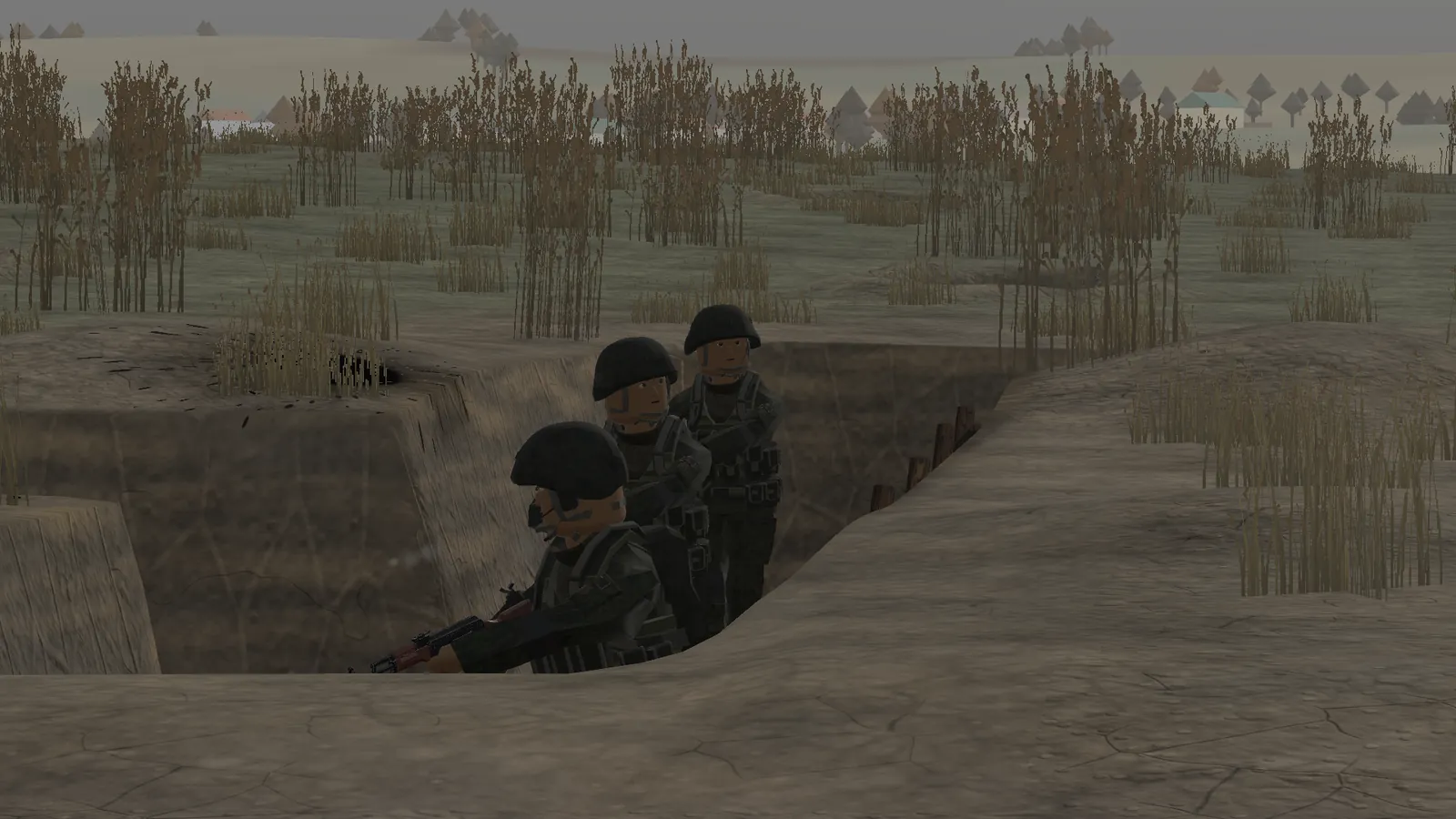
Dead Ground (0.0.3) is a 360 × 360 m stretch of open grassland with two trench lines, craters, barbed wire, dragon's teeth, a destroyed village and a burning convoy. It has four capture points — the village street, the forward trench, the old trenches and the burned-out convoy — and it is where vehicles and drones matter. Details for both are on maps.
Step 2 — Build the fight
Use the Faction Editor to adjust an existing side or build one from scratch: change weapons and add units. Since 0.0.5 the Combat Sandbox lets you set up custom scenarios, give orders to individual soldiers or groups and configure how the engagement starts. Each team fields specialists by default — an RPG gunner, a medic, drone operators — listed in the table below.
Soldier classes you will see
These are the classes the patch notes describe. Use them to decide who to take over first: the medic and the FPV operator change a fight the most.
| RPG gunner | Anti-vehicle and anti-position | 0.0.3 | RPG-7 and five rockets | 3 to equip the RPG, R to reload | Every team fields one. AI uses rockets on groups, buildings and troop carriers. | official · 1 source |
|---|---|---|---|---|---|---|
| FPV drone operator | Drone strike | 0.0.3 | Three drones, goggles and a controller | X to view the drone feed | The AI operator hides in cover, circles and dives; killing the operator brings the drone down. | official · 1 source |
| Medic | Casualty treatment | 0.0.3 (medical rework) | Medical bag with bandages, tourniquets, splints and IV | E opens the treatment screen next to a wounded soldier; H drags a casualty; 4/5/6 are self-care | Medics move to the wounded, ask for covering fire, drag casualties into cover and treat them step by step. Applied dressings stay visible. | official · 1 source |
| Anti-drone shotgunner | Air defence for infantry | 0.0.4 | Shotgun with buckshot | Standard shotgun controls (not separately documented) | His job is to protect infantry from drones; buckshot is more effective against small fast targets than a rifle. | official · 1 source |
| Bomber drone operator | Grenade drop | 0.0.4 | Bomber drone with different grenade types | Hover, pick a target and drop grenades (exact keys not published) | A separate class that the player can play; the drone does not ram. | official · 1 source |
| Vehicle gunner | Vehicle turret | 0.0.3 | Buggy PKM, BTR KPVT or M113 .50 cal | Dedicated gunner sights: electronic zoom with black-and-white mode on the buggy; optical periscope on the BTR | Gunners have their own sights, separate from the infantry view. | official · 1 source |
| Commander | Squad orders and supply | 0.0.3 | Order wheel and supply crates | Q opens the order wheel; E resupplies at a crate | Orders: attack a point, defend it, follow me, hold position, resupply, cancel. Supply crates hold ammo, medical supplies and drone cases. | official · 1 source |
Step 3 — Watch first, then take over
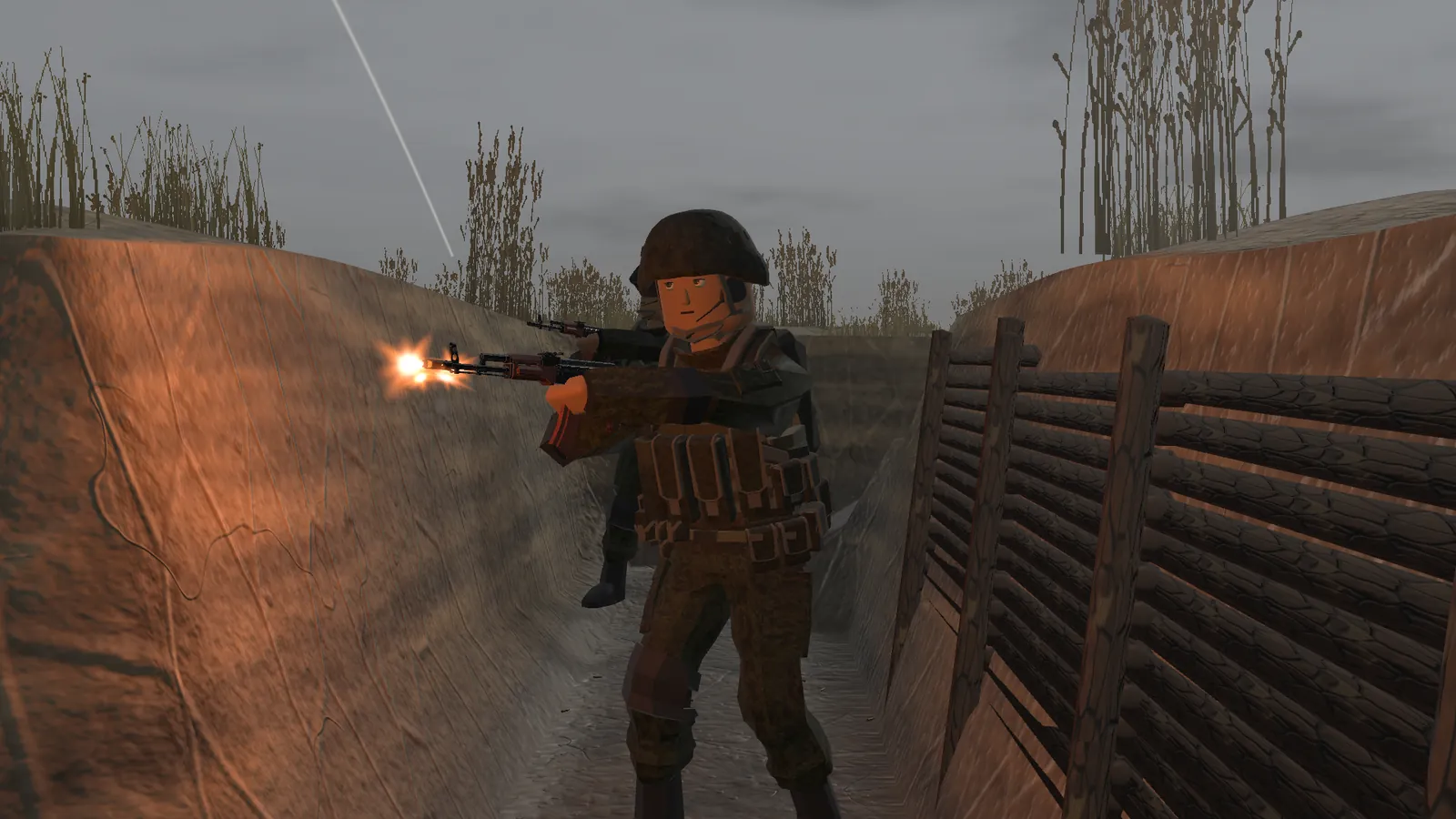
Let the first minute run without you. You will see the AI find cover, react to fire, bandage itself and call the medic. That tells you where the front line is and which soldier is in a useful spot. Then take control of that soldier: you keep the same body, the same ragdoll balance and the same wounds. The developer has not published the exact take-over key, so check the on-screen prompt or the Settings menu. More on this in soldier control.
Step 4 — Play the objective
Bases respawn soldiers without limit. Captured points give a limited number of respawns that build up while you hold them, so a point you defend becomes a reinforcement hub. Supply boxes for ammunition, medical kit and drones work the same way: unlimited at the base, limited and slowly refilled at a captured point. Press E at a box to resupply.
Controls the developer has documented
Movement, aiming, crouching and leaning use the game's own bindings; the alpha has no published full key map. These keys come from the 0.0.3 patch notes unless marked otherwise.
| Key | Action | When | Status |
|---|---|---|---|
| Q | Command wheel: attack, defend, follow me, hold position, resupply, cancel | Any time | official · 1 source |
| E | Treat a casualty, interact, resupply, use a vehicle | Next to a soldier, box or vehicle | official · 1 source |
| H | Drag a wounded soldier | Next to a casualty | official · 1 source |
| 3 / R | Equip / reload the RPG | As the RPG gunner | official · 1 source |
| 4 / 5 / 6 | Bandage worst wound / painkillers / call a medic | When wounded | official · 1 source |
| X | Switch to the drone camera | As the FPV operator | official · 1 source |
| G | Throw a grenade | Infantry | community · 1 report |
Five mistakes new players make
- Standing behind the RPG. The backblast burns. Never fire it indoors either.
- Bunching up. One rocket or bomber-drone grenade can take out a cluster of ragdolls.
- Spawning too many soldiers. Frame rate falls with soldier count; start small.
- Ignoring drones. On Dead Ground an FPV drone can end a squad. Shoot it down or kill its operator.
- Treating in the open. Drag the casualty to cover with H first, then treat.
Questions
How do you take control of a soldier in DummyWar?
The game lets you take control of any character, but the developer has not published the key. Use the on-screen prompt or check Settings → Controls.
Which map should beginners use?
EasternBattle. Fights are shorter and closer, so you learn the combat loop faster than on the open Dead Ground map.
Can I play DummyWar with a controller?
No controller support is documented. Play with keyboard and mouse.
Read next
Sources
- DummyWar by GuFugu — itch.io game page — checked 19 Nov 2026
- Devlog 0.0.2 — A New Battlefield (23 Oct 2026) — checked 19 Nov 2026
- Devlog 0.0.3 — Dead Ground, vehicles, FPV, medical (26 Oct 2026) — checked 19 Nov 2026
- Devlog 0.0.5 — Major Update (8 Nov 2026) — checked 19 Nov 2026
- itch.io comments on DummyWar — checked 19 Nov 2026
- dummywar.com — third-party guide site (cross-check only) — checked 19 Nov 2026